Editor's Review
Tired of long commutes or dull chores? 😩 Picture yourself absorbed in a gripping mystery or learning a new skill while on the go! 🚀 Audioteka transforms your spare moments into productive, enjoyable time.
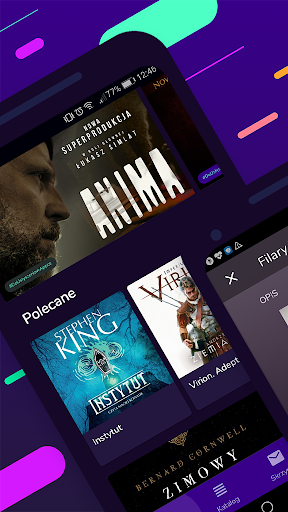
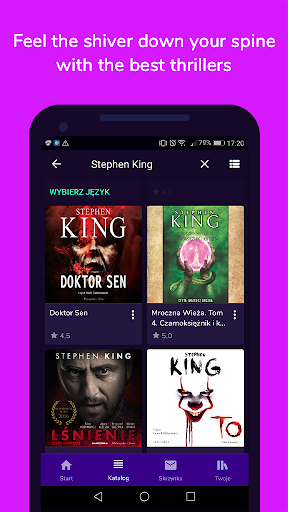
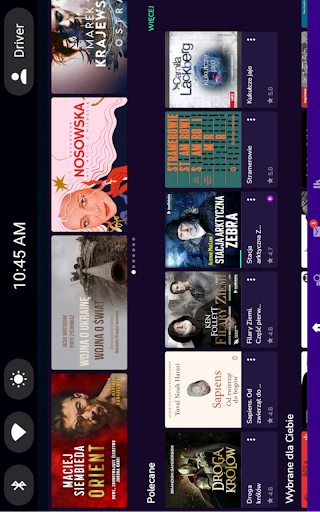
With over 100,000 titles, you can dive into a vast library of audiobooks and podcasts right from your pocket. 📚 Finding your next beloved story or informative content has never been easier. Start your audio journey today and make every moment matter!
✨ Download it now and harness the magic of audio. 🎧
Features
- Your Library Keep all your purchased and downloaded audiobooks organized in one place. Access your complete library instantly, whether you're commuting, exercising, or unwinding at home. 📚 Perfect for avid listeners who love having their stories nearby. Enjoy seamless entry to your audio world anytime, anywhere. 🎧
- Offline Mode Store your favorite audiobooks and listen offline without internet. Great for travel or areas with weak signals, ensuring your listening is never interrupted. ✈️ Relish uninterrupted entertainment on planes, trains, or remote locations. Your audio journeys go with you everywhere! 🌍
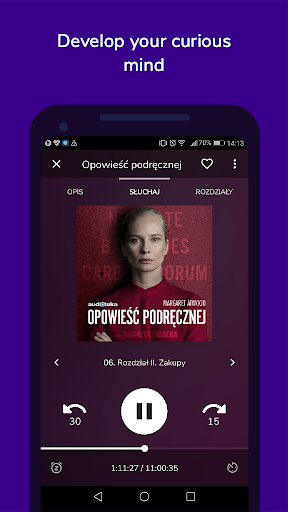
- Playback Speed Adjust the narration speed to match your preference, from slow, detailed listening to fast, efficient playback. ⏩ Ideal for learners who want to absorb content quickly or those who prefer a relaxed pace. Customize your listening to fit your style and schedule. ⏱️
Pros
- The vast collection of audiobooks and podcasts is amazing, covering every possible genre. From exciting thrillers to insightful nonfiction, there's truly something for everyone. The discovery tools make finding new content enjoyable. Offline listening is a lifesaver for daily commutes and travel. Downloading titles is straightforward, guaranteeing your audiobooks are always available, even without Wi-Fi or mobile data. This feature alone makes it indispensable for frequent travelers. The playback controls, especially the adjustable speed and sleep timer, greatly enhance the user experience. It allows for personalized listening, whether you're trying to get through content or simply relax before bed.