




Why this app stands out
Fed up with sluggish, ad-ridden browsing that puts your privacy at risk? Envision a web where pages load in an instant, pesky ads vanish, and your personal data stays safe. Brave Browser delivers exactly that, safeguarding over 100 million users worldwide!
With a cutting-edge AI assistant, private search, and robust security tools, Brave transforms your daily internet experience into something faster, safer, and more private. Give it a try and see the difference immediately! 🚀🛡️✨ AI Assistant
Meet Brave
Leo, your free AI companion for fast answers, translations, and more. Perfect for students and professionals who need quick info without sacrificing privacy. Leo keeps your chats private and won't use them for training. 🤖💬💡
Uncover Brave
Search, the independent search engine that respects your privacy. No tracking, no profiling, just straightforward, unbiased results. Ideal for anyone concerned about their digital footprint and seeking reliable info without surveillance. 🔍🔒🌐
Ad Blocker
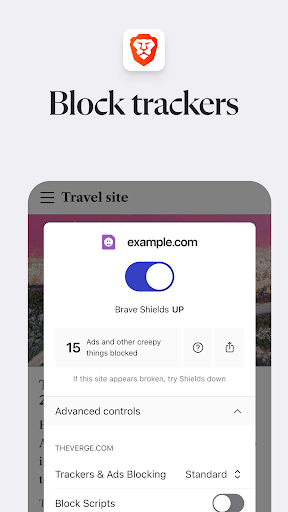
Enjoy a cleaner web with Brave's built-in ad blocker. Say goodbye to intrusive ads and malware threats, speeding up your browsing and saving data. Great for all users wanting a smoother, safer online experience. 🚫💰💨


