Editor's Review
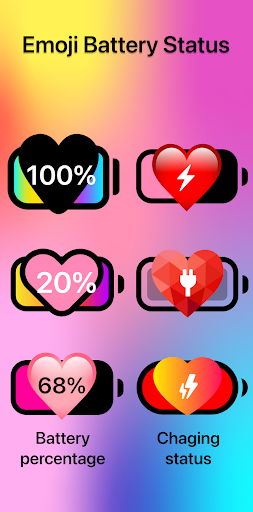
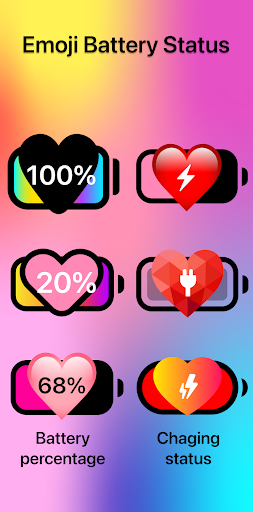
Bored of the same old battery icon? Picture your phone screen brightening with a super charming emoji that shows your battery level instantly! 🤩 Whether you're a student keeping an eye on class time or a gamer deep in a battle, checking your battery has never been more enjoyable.
🎉 This app turns a dull necessity into a fun visual treat, making your phone truly your own. With over 10,000 downloads and a 4.8-star rating, users adore this cute upgrade! 🥰 Give your phone a personality boost today! ✨
Features
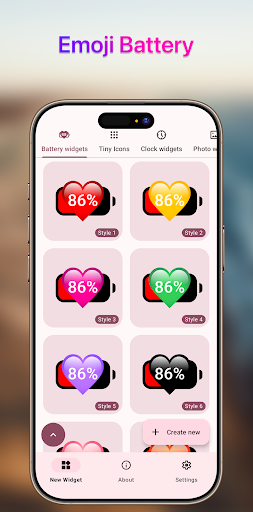
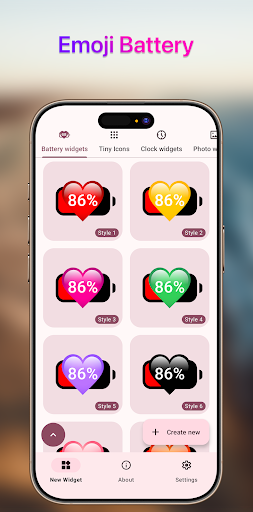
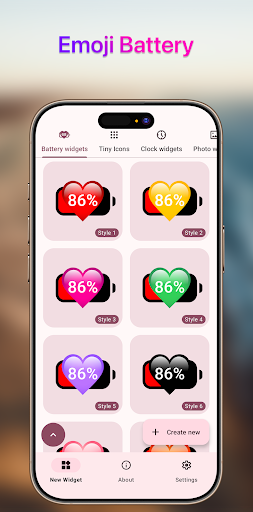
- Cute Emoji Battery Show your battery level using cute, lovable emoji designs. Ideal for anyone who enjoys personalization and wants to add some fun to their daily device use. Make your phone as expressive as you are! 🔋💖
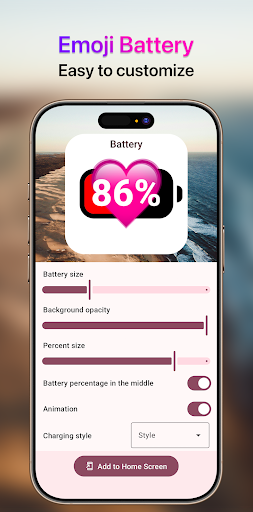
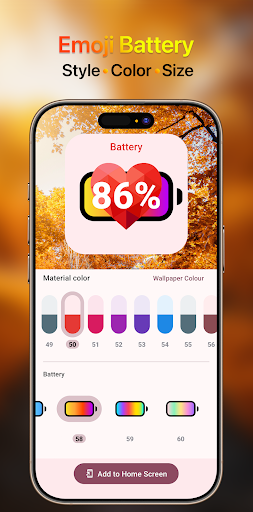
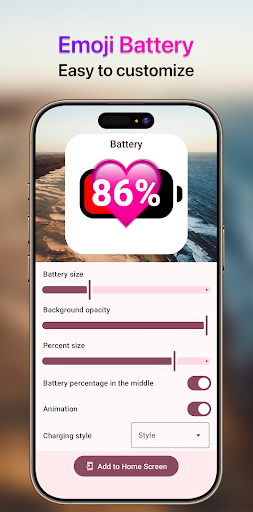
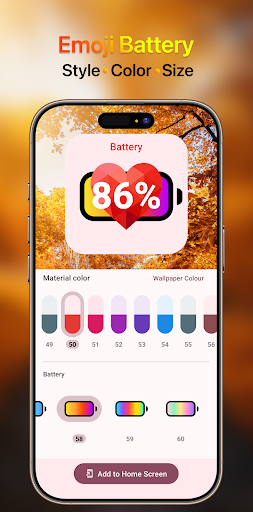
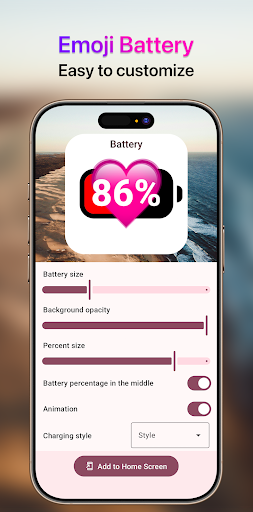
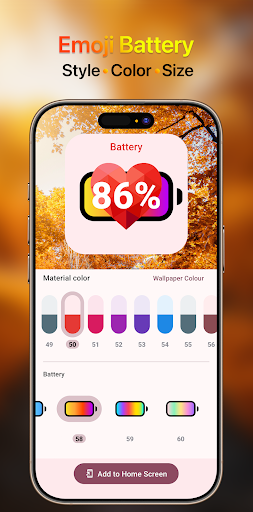
- Customization Options Customize your emoji battery just the way you like! Tweak size, color, and style to perfectly fit your vibe. Ensure your battery widget isn't just practical but also a stylish reflection of your personal taste. 🎨✨
- Home Screen Widget Place a delightful emoji battery widget directly on your home screen for instant updates. No more hunting through settings; see your battery life in a fun, visual way at any time. Super handy! 👍📱
Pros
- The range of cute emoji choices is wonderful, changing a dull battery indicator into a cheerful little buddy on my home screen. It's surprisingly addictive! Customization is super easy! I enjoy being able to adjust the size and color to match my wallpaper perfectly. It feels truly unique and adds a lot of personality. The widget is very responsive and updates quickly. It's really convenient to see my battery level at a glance without launching any apps. A simple yet effective tool!