orbitapk
Open menu
ClevNote - Notepad, Checklist icon

Safe APK Profile

ClevNote - Notepad, Checklist

Cleveni Inc. · Productivity

4.5
Rating
5M+
Downloads
safe
Badge
Download latest version

Why this app stands out

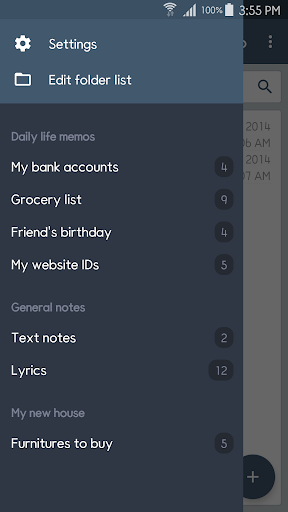
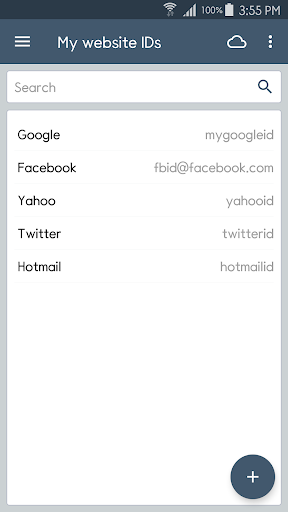
Have you ever forgotten an important bank account number or a friend's birthday? 😥 ClevNote turns those 'oops' moments into organized wins! Picture yourself easily managing shopping lists 📝, recalling numerous website IDs 💻, and never missing a special date again 🎉.

With over 1 million downloads and a 4.5-star rating, users appreciate its simplicity and effectiveness. ✨ This app acts as your personal assistant for life's small details, making sure nothing gets overlooked. Give it a try and regain your peace of mind! 🕊️

Secure Finance

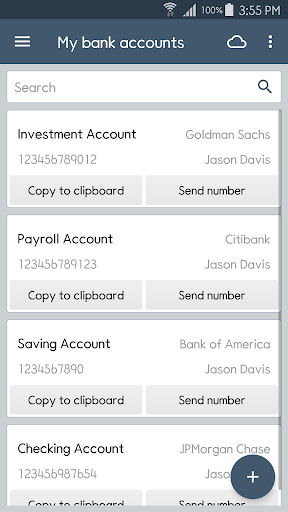
Notes Conveniently save and organize confidential bank account numbers. Copy or share details in an instant, ideal for swift transactions or exchanging with trusted contacts. Protect your financial data effortlessly! 🏦

Smart Checklists

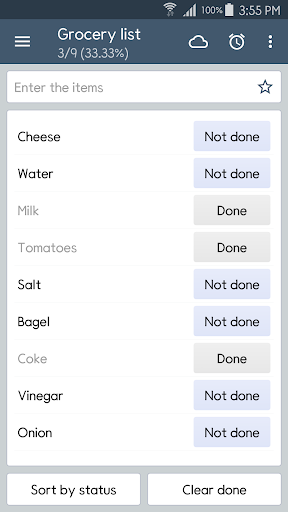
Build flexible checklists for shopping errands or everyday activities. Freely tailor items, making it perfect for to-do lists, project management, or any tracking needs. Stay organized with ease! ✅

Birthday Reminders

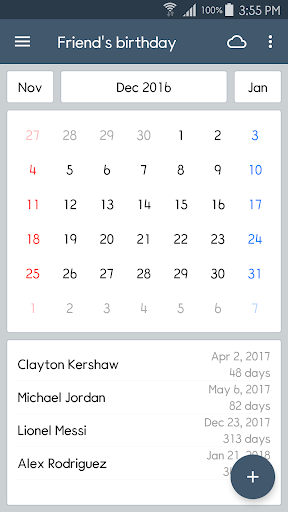
Never miss a loved one's birthday anymore! This feature offers calendar views and punctual reminders for the special days of family and friends. Treasure each moment! 🎂

Orbit safety scan

Download confidence at a glance

Source profile checked

Package identity, developer name, category, and public listing signals are grouped before the download decision.

Install intent clarified

Users can compare screenshots, rating, downloads, and feature notes without leaving the detail page.

No registration path

The CTA is designed around a direct, low-friction APK lookup flow for repeat visitors.

Independent catalog

orbitapk separates editorial app information from official ownership claims and brand assets.

What to review before installing

1

Match the app identity

Check the name, developer, and category against what you expected to install.

2

Scan the product fit

Use screenshots and feature notes to decide whether the app solves your current workflow.

3

Compare user signals

Rating and download volume help separate established tools from niche or newer releases.

Related picks

More Productivity apps to compare

Keep users moving with nearby alternatives instead of ending the page after the first content block.

More Apps