Editor's Review
Juggling your medications can feel like a balancing act, especially when you're trying to remember doses, potential interactions, or even a pill's appearance. 😵💫 Imagine never second-guessing your medication schedule again! This app puts a treasure trove of drug info right in your pocket, letting you swiftly look up details, take a photo to identify pills, and check for risky interactions.
With over 25 million U.S. users monthly, it's a reliable source for fast, accurate answers. 💯 Download it now and take control of your health with confidence!
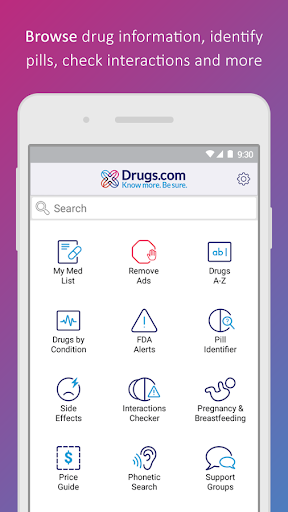
✅ My Med
Features
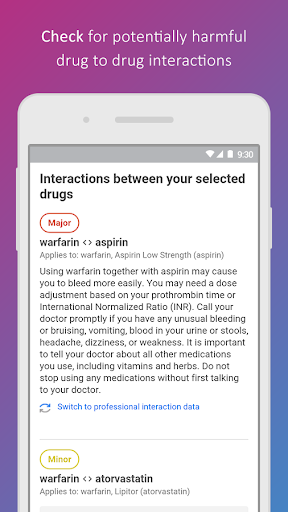
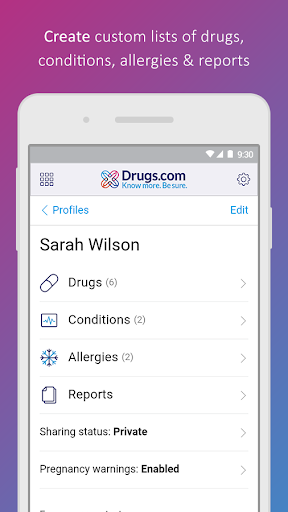
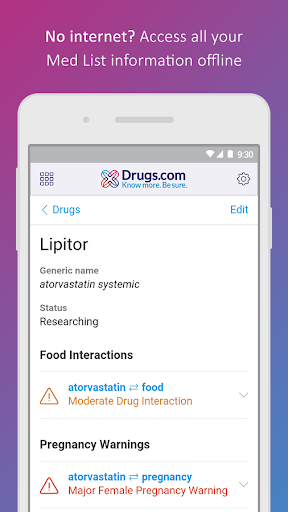
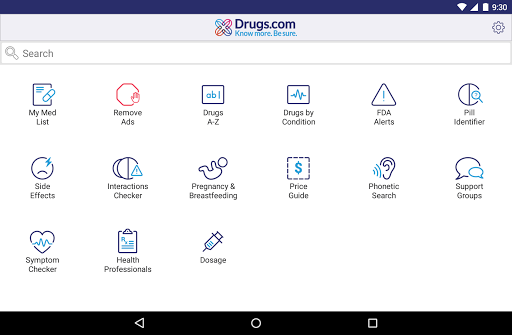
- List Easily track your medications, view detailed info, FDA alerts, and essential interaction checks for drugs, food, and allergies. Ideal for those managing multiple prescriptions or aiming for better adherence. 💊 Offline access for extra convenience. 😌
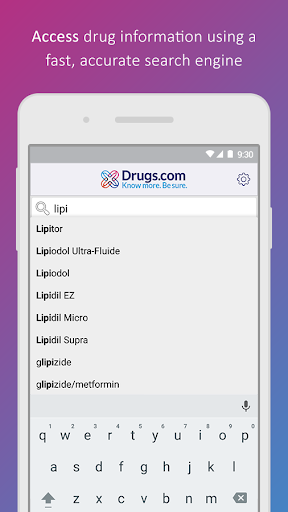
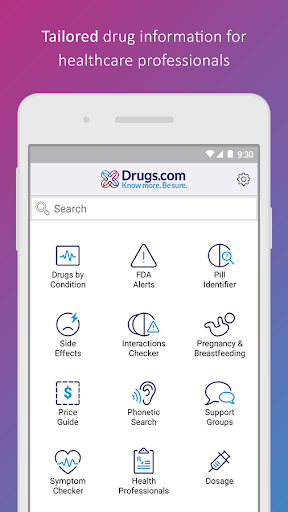
- Drug Search Access the most comprehensive A-Z drug database on the web with blazing-fast search and precise suggestions. Perfect for quick lookups when you need accurate details on any medication, whether prescription or over-the-counter. 🔎 Get reliable info in seconds. ⚡️
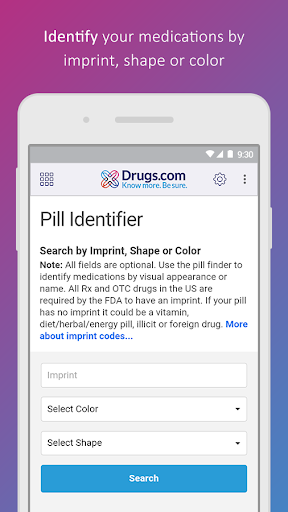
- Pill Identifier Unsure what pill you have? Snap a photo or enter its imprint, shape, and color for an instant match! 🤳 Regular updates ensure accuracy, making it a great tool for quickly distinguishing medications. ✅
Pros
- The intuitive 'My Med List' feature simplifies medication management. Users can easily track prescriptions, receive timely reminders, and access offline data, boosting consistent adherence and peace of mind. 👍
- The 'Pill Identifier' is remarkably accurate and straightforward. Simply input a pill's visual characteristics for rapid identification, saving time and reducing potential mix-ups, especially when managing multiple meds. 💡
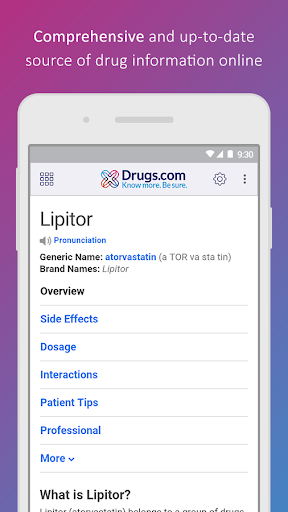
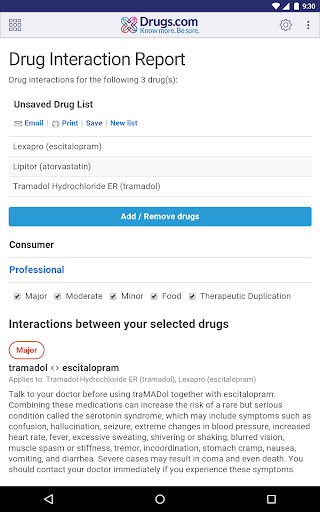
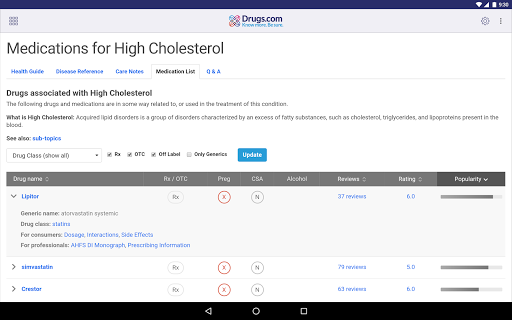
- Comprehensive drug information, including interactions and FAQs, is readily available. This app serves as a dependable digital health companion, empowering users with knowledge for informed discussions with their healthcare providers. 🏥