Editor's Review
Fed up with missing key moments or feeling out of touch with those who matter? 😅 Google Meet transforms scattered interactions into seamless connections, spanning any distance with crisp video and audio. Picture effortlessly joining a global family gathering or collaborating with teammates on a vital project without hiccups.
✨ With millions already experiencing better communication, Meet brings people together, making every interaction count, whether it's a brief chat or a critical work session. 🚀 Join a community that prioritizes connection and efficiency! 🌟 Instant &
Features
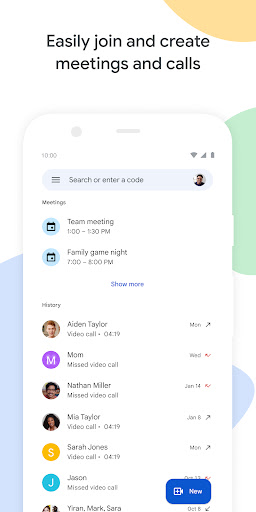
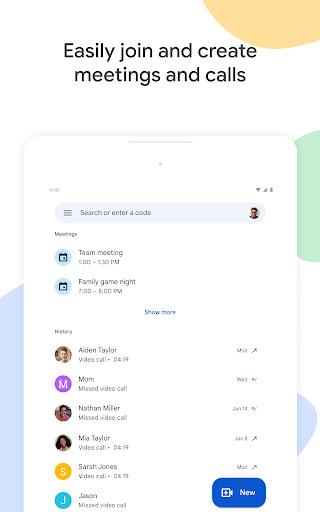
- Scheduled Calls Want to talk immediately or plan ahead? 📞 Initiate spontaneous calls or schedule gatherings with friends, family, or coworkers seamlessly. Ideal for fast check-ins or crucial conversations, ensuring you stay linked whenever it matters. 🤝
- Video Messaging Missed a live connection? 📹 Send and receive video messages for those one-on-one or group chats where timing is flexible. It's an engaging way to share updates and keep discussions alive without requiring simultaneous availability. 💬
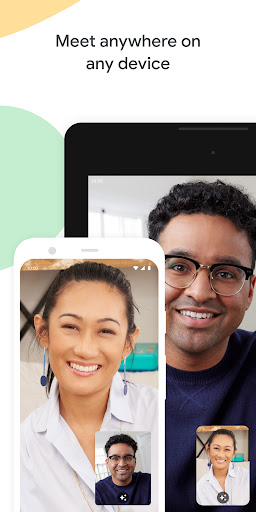
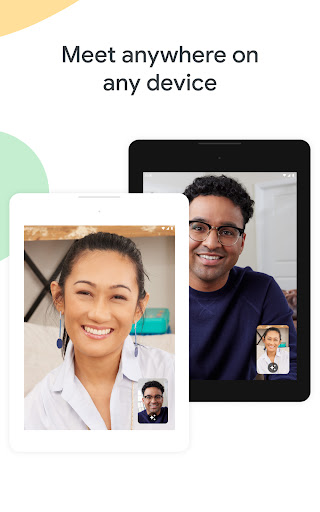
- Cross-Device Access Participate from any location, any time! 📱💻 Meet functions flawlessly across mobile, tablet, and web, so everyone can join regardless of their device. Stay connected whether you're traveling or at your workstation. 🌐
- AI-Powered "Take Notes for
- Me" Controls Users can now adjust Gemini-powered note-taking and transcription settings directly in the pre-join 'green room.' This feature offers immediate control over meeting documentation and privacy before the call starts, ensuring participants are informed about active AI recording.
- Automatic Room Check-In Employs ultrasonic signals to detect when a mobile device is physically inside a conference room. The app then automatically suggests 'Companion Mode' on the join screen, which prevents disruptive audio feedback and echo during hybrid meetings by muting local device audio.
- Real-Time Speech-to-Speech Translation Integrates advanced Gemini AI to deliver live, near-instant translation for over 60 languages. This enables global teams to converse in their native languages during calls, with translated audio and captions bridging language gaps in real time.
- Mobile Add-ons Integration Introduces the 'Activities' panel to Android, allowing users to find and utilize third-party productivity apps within the Meet interface. This enables seamless collaboration on tasks like whiteboarding or document editing without needing to switch between applications.
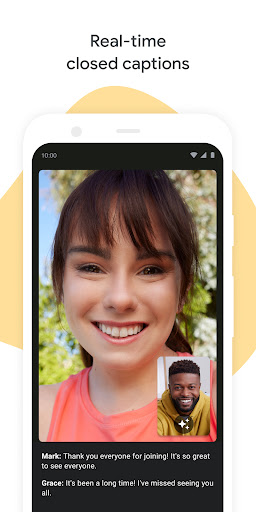
- Captions Upgraded AI captions now identify and display emotional context, such as whether a speaker sounds 'joyful' or 'serious.' This helps remote participants better grasp the tone and sentiment of the conversation, improving overall communication clarity.
Pros
- Exceptional video and audio clarity, even in dim lighting, makes participants feel like they're in the same space. The option for up to 4K resolution is impressively sharp. ✨
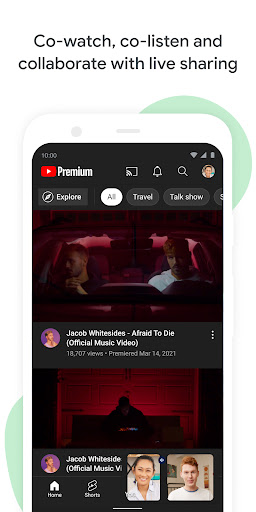
- Interactive features like emoji reactions, virtual backgrounds, and live sharing for watching videos or playing games together add a fun, engaging element to meetings. 🎉
- A generous free tier allows for extended one-on-one calls (up to 24 hours) and group meetings (up to 100 participants for 60 minutes), making it accessible to everyone. 💯