
Why this app stands out
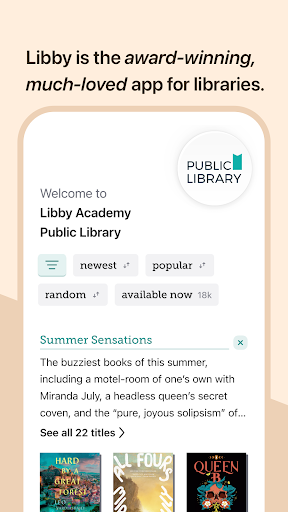
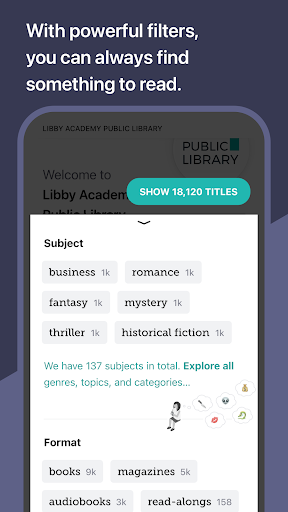
Tired of hunting for your next read or listen? Imagine accessing millions of ebooks and audiobooks for free from your local library! 📚 Libby makes it happen, turning any moment into a literary escape.
With over 5 million titles, you'll always find something new. Download Libby now and dive into a world of stories without spending a dime! 🚀 Your portable gateway to endless entertainment. 🌟
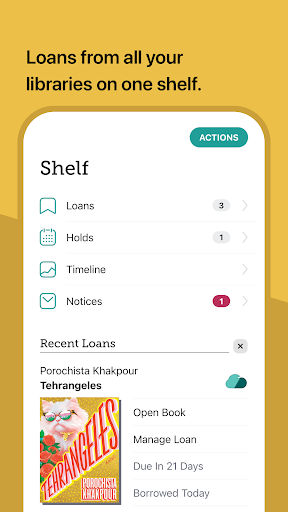
Borrow Books
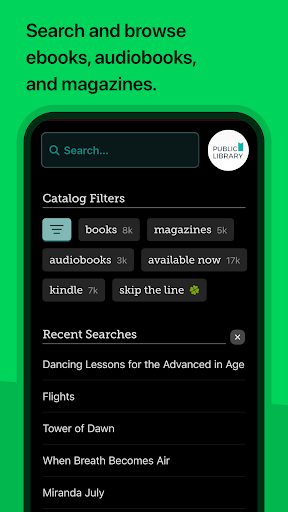
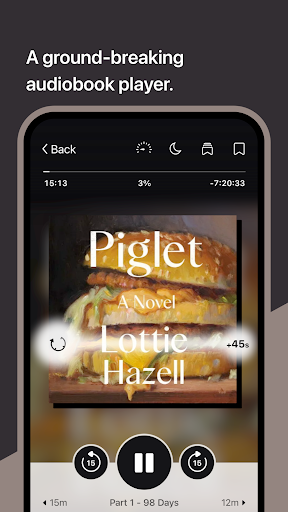
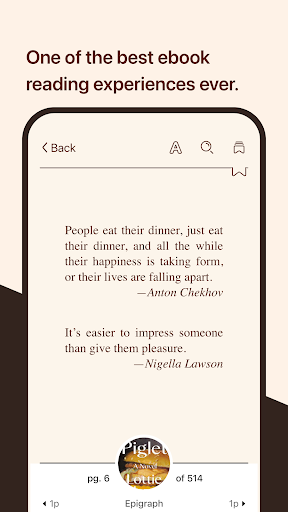
Access your library's digital collection anytime, anywhere. Easily borrow ebooks, audiobooks, and magazines using your library card. Perfect for avid readers and occasional listeners looking for new stories. 📖✨ Download titles for offline reading so your experience never stops, even without internet. 📶🚫 Read & Listen Customize your reading with adjustable fonts, colors, and layout. 🎨 For audiobooks, control playback speed and set a sleep timer. 🎧 Suitable for all ages—from kids enjoying read-alongs to adults fine-tuning listening pace. 👶🧑🎓
Organize Lists
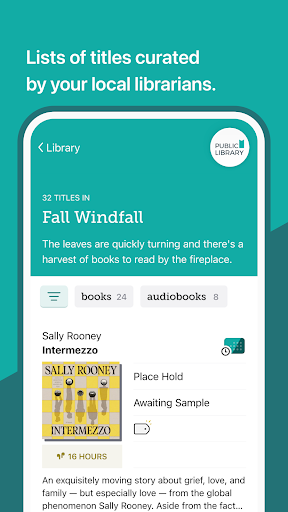
Create personal 'must-read' lists and collections using tags. 🏷️ Never forget a book recommendation again! Great for planning reading adventures or tracking titles to revisit. 📝💯 Your reading progress syncs seamlessly across all devices. 📱💻


