


Why this app stands out
Fed up with forgotten passwords or recycling the same weak ones everywhere? 😫 Picture logging into your go-to apps and websites instantly with a simple fingerprint scan, while your data stays locked behind military-standard encryption. 🛡️ SafeInCloud turns that vision into reality by keeping your secure vault in sync across every device.
More than 1 million people already trust it to protect their digital presence. ✨ Give SafeInCloud a try today and enjoy real peace of mind. 😌
Strong Encryption
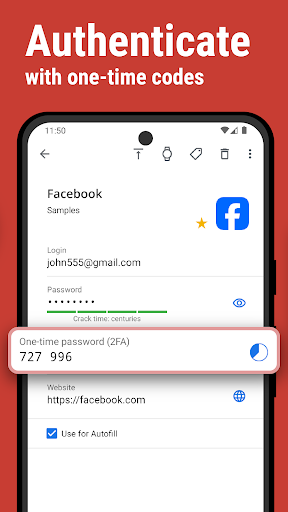
Your private data is shielded by strong 256-bit AES encryption, the identical standard adopted by governments globally. 🔒 That means your passwords and personal info stay safe, both locally and in the cloud. Ideal for anyone who values maximum digital protection. ✅
Cloud Sync
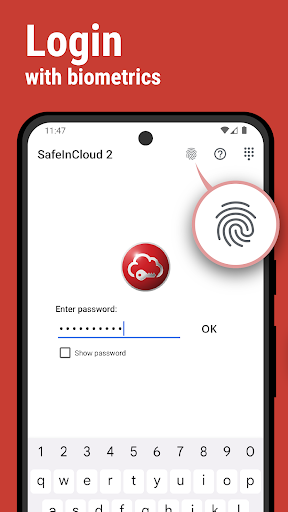
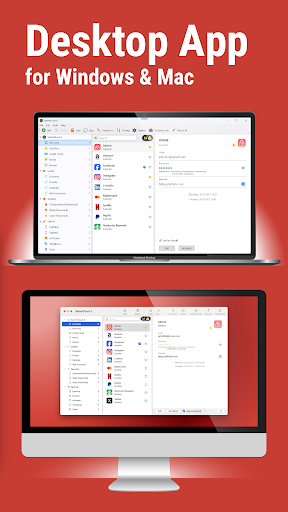
Effortlessly keep your encrypted vault in sync across all your gadgets – phone, tablet, and computer – using your chosen cloud platform such as Google Drive or Dropbox. ☁️ This keeps your information current and reachable no matter where you are. Perfect for people using many devices. 💻📱 Autofill & Biometrics Jump into apps and websites immediately using your fingerprint or facial recognition. 🤩 Also, autofill your credentials directly into apps and Chrome, cutting down on time and effort. A huge boost for fast and safe logins. 🚀


