


Why this app stands out
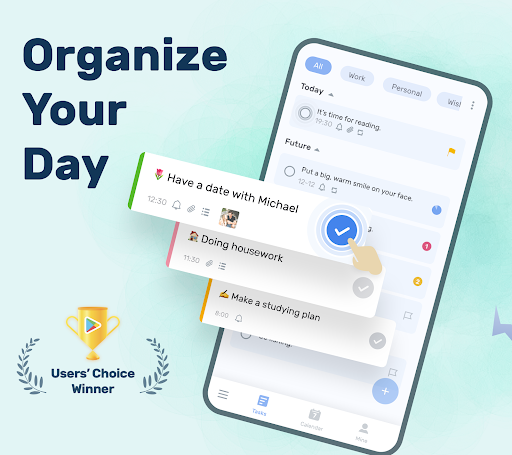
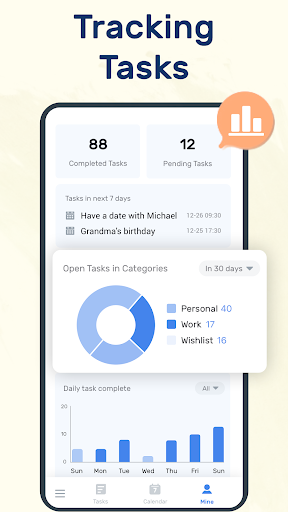
Forgotten a birthday or an important deadline? 😥 Juggling work, life, and personal goals can be overwhelming, but picture a world where you never forget. 🤩 This free task manager helps you organize everything with ease, turning chaos into calm.
With over 1 million downloads, users find it straightforward yet powerful for handling daily tasks and key events. ✨ Get ready to boost your productivity and reclaim your peace of mind! ✅ Try it today and see the difference! 🚀
Smart Reminders
Never overlook a task with customizable alerts for all your important tasks and events. ⏰ Perfect for busy professionals and anyone handling a full schedule, ensuring you stay on track with recurring tasks and one-time deadlines. Keep your commitments top of mind! 🔔
Organize with Ease
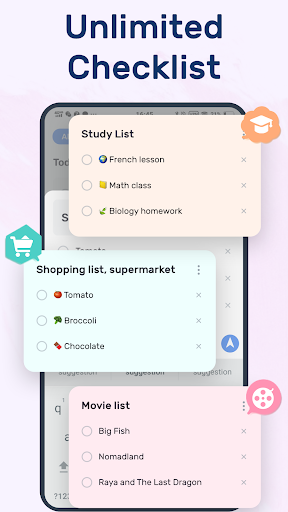
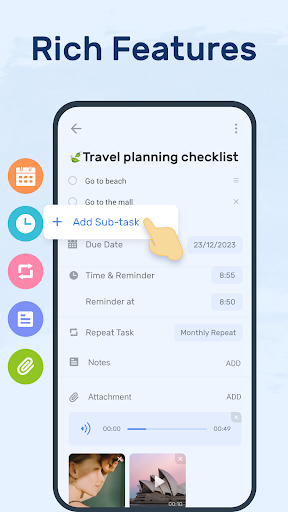
Group, prioritize, and add sub-tasks to keep your to-dos perfectly clear. 🌟 Ideal for students, project managers, or anyone needing structure, this feature turns complex lists into manageable steps. Make every task feel achievable! ✅
View
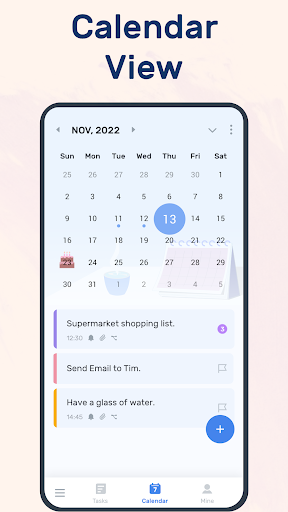
View your entire schedule at a glance with daily, weekly, or monthly calendar perspectives. 📅 Essential for planners and those who love visual organization, it helps you map out your commitments and spot possible conflicts. Plan your days with confidence! 🗓️


